Shipping a Full-Stack Blog on AWS: From Localhost to 99.9% Uptime
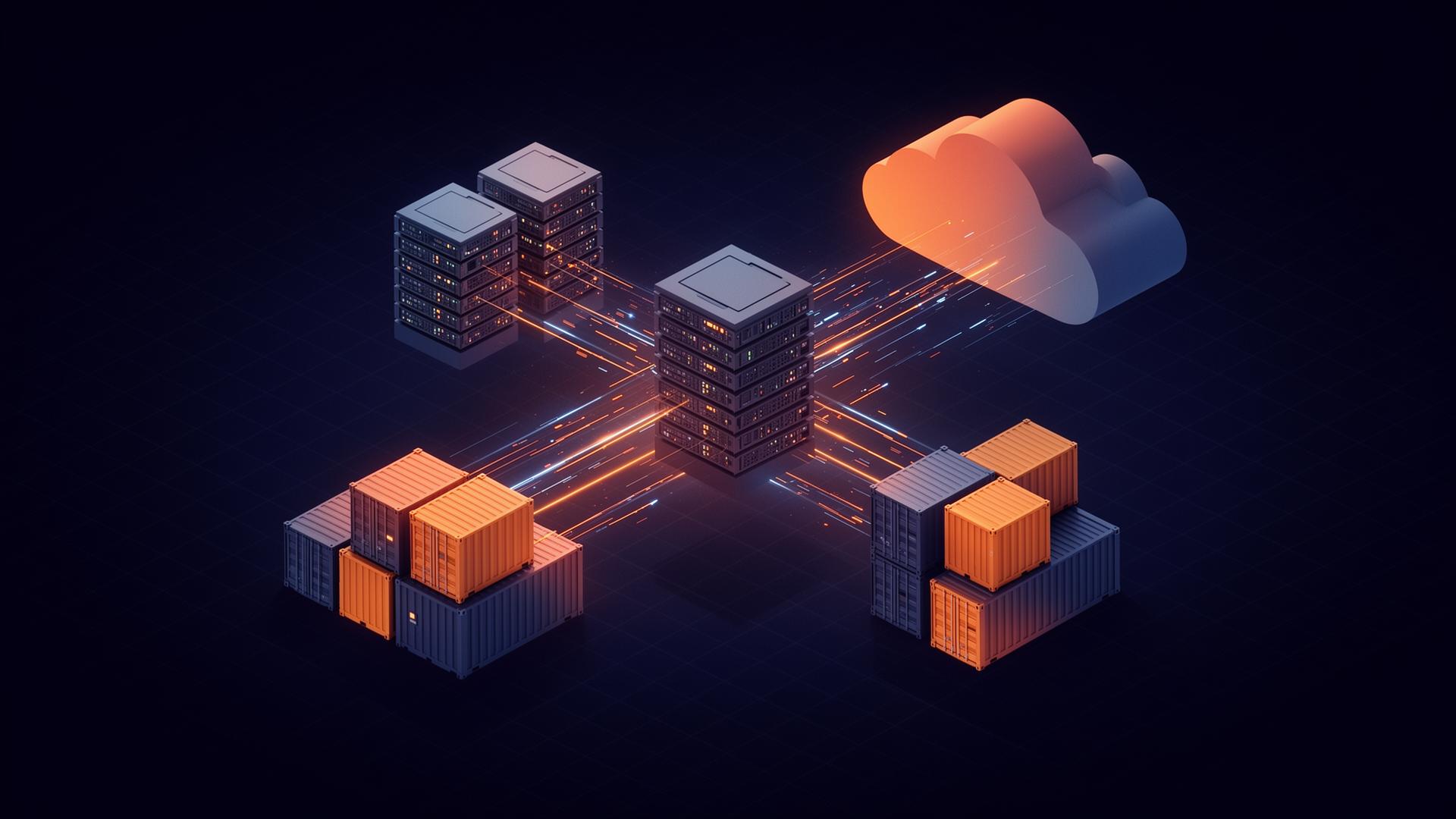
How I took a React + Node.js blog from a laptop to a hardened, auto-scaling production deployment on AWS — with Docker, ECR, EC2 ASG, ALB, Route 53, DynamoDB, and a security baseline I'd actually defend in a review.
Most "deploy to AWS" tutorials stop the moment a single EC2 boots. This post is about everything that comes after — the scaling group, the load balancer, the IAM boundary, the things you only learn by getting paged.
When I set out to ship my personal blog, I had a choice: drop it on Vercel in 90 seconds, or treat it as the production-grade project it deserved to be and rebuild it the way I'd build something at work. I picked the second one. This is what the architecture looks like, why I made each call, and what I'd do differently next time.
The stack at a glance
- Frontend — React, served as a static bundle from the same Node process
- Backend — Node.js + Express, REST APIs, JWT auth, health checks, CORS
- Database — DynamoDB (single-table design, on-demand billing)
- Runtime — Docker images on EC2, behind an Application Load Balancer
- Scale — EC2 Auto Scaling Group, 1–5 instances, CPU-based policy
- DNS / TLS — Route 53 + ACM certificate terminated at the ALB
- Registry — Amazon ECR with multi-platform builds
- Security — IAM least-privilege, VPC security groups, no public DB
If that sounds like a lot for a blog — it is. The point was to learn the wiring end-to-end, not to minimize the bill.
Containerizing properly
The first real decision was the Docker image. The naive version (FROM node, COPY . ., npm install, done) ships hundreds of megabytes of build tooling into production. I went with a multi-stage build: one stage installs dev dependencies and builds the React bundle, a second node:alpine stage copies only the compiled output and the production node_modules.
dockerfileFROM node:20-alpine AS build
WORKDIR /app
COPY package*.json ./
RUN npm ci
COPY . .
RUN npm run build

FROM node:20-alpine AS runtime
WORKDIR /app
ENV NODE_ENV=production
COPY --from=build /app/dist ./dist
COPY --from=build /app/server ./server
COPY package*.json ./
RUN npm ci --omit=dev && adduser -D app && chown -R app /app
USER app
EXPOSE 8080
CMD ["node", "server/index.js"]
Three things matter here:
1. Non-root user. A compromised container shouldn't have root inside it. 2. `npm ci --omit=dev` in the runtime stage. No webpack, no test runners, no source maps. 3. Multi-platform builds. I push linux/amd64 and linux/arm64 to ECR with docker buildx, which means the same image runs on Graviton EC2 (cheaper) or x86.
End result: deploys ~60% faster and an image small enough that ECR pulls are a non-event.
EC2, but make it boring
A single EC2 is a single point of failure. An Auto Scaling Group of EC2s behind an ALB is the boring, well-understood pattern that scales from "one reader" to "front page of HN" without a rewrite.
The setup:
- Launch Template that pulls the latest image tag from ECR on boot via
user_data, runs it on:8080, and registers the host's health endpoint. - ASG with min=1, desired=1, max=5. Target tracking policy on average CPU at 60%.
- ALB in two public subnets, HTTPS listener on
:443with an ACM cert, HTTP listener on:80redirecting to HTTPS. - Target group pointed at
:8080/healthz, which returns a real check — not just200 OK, but a quick "can I reach DynamoDB?" probe.
The health check is the underrated piece. A shallow health check will happily keep a broken instance in rotation. A deep one will pull broken instances out automatically, which is exactly what an ASG needs to self-heal.
DynamoDB instead of "obviously, Postgres"
I went back and forth on this one. The blog has two access patterns: "give me the latest N posts" and "give me one post by slug." That''s it. A relational database is overkill, and the operational tax of running RDS (or even paying for it idle) wasn''t worth it.
DynamoDB on-demand with a single-table design handles both patterns with one GSI and costs effectively nothing at my traffic. The catch is that you have to think about your queries before you write your schema — there is no SELECT * to bail you out later. That discipline turned out to be the most valuable part.
The security baseline I''d defend in a review
This is where most side projects quietly cut corners. I didn''t want to be that project.
- IAM least-privilege. The EC2 instance role can
dynamodb:GetItem/PutItemon exactly one table, andecr:GetAuthorizationToken/ pull on exactly one repository. Nothing else. - No public database. DynamoDB is reached via a VPC endpoint, so traffic never crosses the public internet.
- Security groups as a firewall. The ALB SG accepts
:443from the world. The EC2 SG accepts:8080only from the ALB SG — not even from my own IP. - JWT auth with short TTLs. Refresh tokens are rotated; access tokens expire in 15 minutes.
- Secrets in SSM Parameter Store, never baked into the image, never in env files committed to git.
- CORS allowlist with one origin. Not
*.
Zero security incidents in production. That''s not luck — it''s the boring stuff above, done consistently.
What 99.9% uptime actually requires
99.9% allows ~43 minutes of downtime per month. To hit that with a setup this small you need:
1. More than one AZ. The ASG spans two Availability Zones. A single-AZ outage doesn''t take the site down. 2. Fast, automated rollback. Deploys go to a new ASG instance first; the ALB only shifts traffic once health checks pass. 3. Alarms that actually page you. CloudWatch alarms on 5xx rate, target health, and ALB latency. If something''s broken at 3am, I''d rather know.
What I''d do differently
If I rebuilt this today:
- ECS Fargate over raw EC2. I learned a lot from managing the instances directly, but Fargate removes an entire category of toil.
- CloudFront in front of the ALB. The static React bundle has no business being served from EC2 — that''s a CDN''s job.
- Terraform from day one. I started clicking in the console "just to learn it." I regret it. Everything is now in Terraform, but the migration was annoying.
Takeaways
The interesting part of building this wasn''t the code — it was the operational thinking around it. Choosing boring, well-understood AWS primitives, wiring them correctly, and locking the security boundary down hard. That''s the part of "full-stack" that doesn''t show up in a tutorial, and it''s the part that actually matters in production.
If you''re thinking about doing something similar: start with the security model and the failure modes, not the framework. The rest falls out of those two decisions.